 Community Patrol Action Group
Community Patrol Action Group
Community Patrol Action Group
Piliin ang CPAG group para makita ang kanilang mga officials.
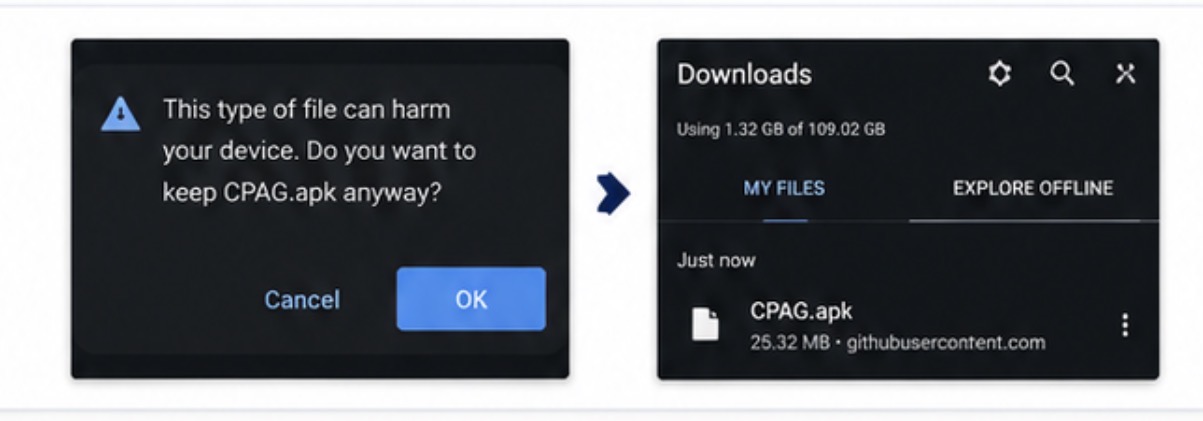
I-click ang Download APK button sa ibaba. Kapag lumabas ang warning na: "This type of file can harm your device" Pindutin lamang ang Download Anyway o Keep.
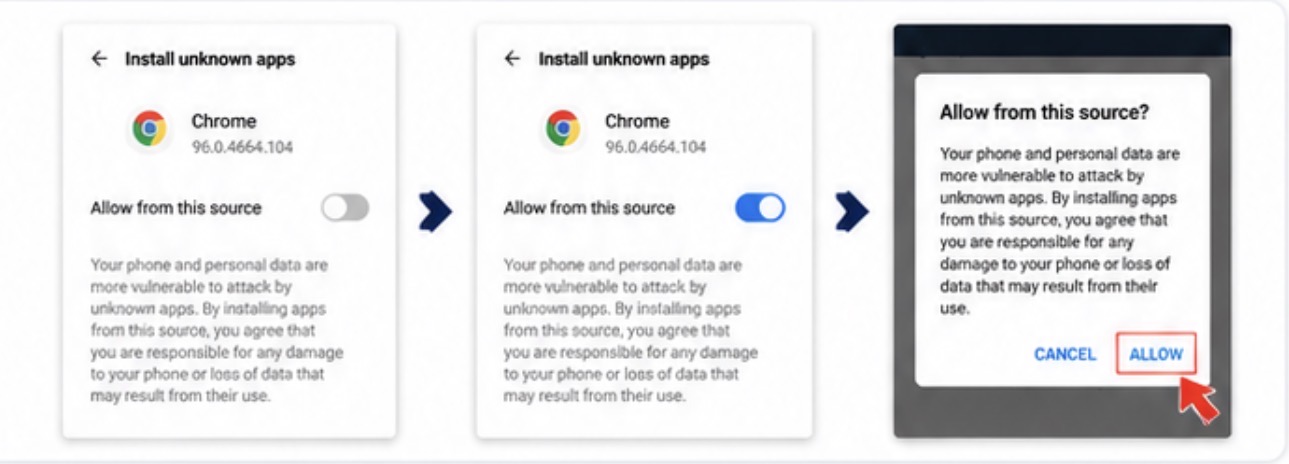
Kapag lumabas ang "For your security, your phone is not allowed to install unknown apps." Pindutin ang Settings at i-enable ang Allow from this source para sa Google Chrome.
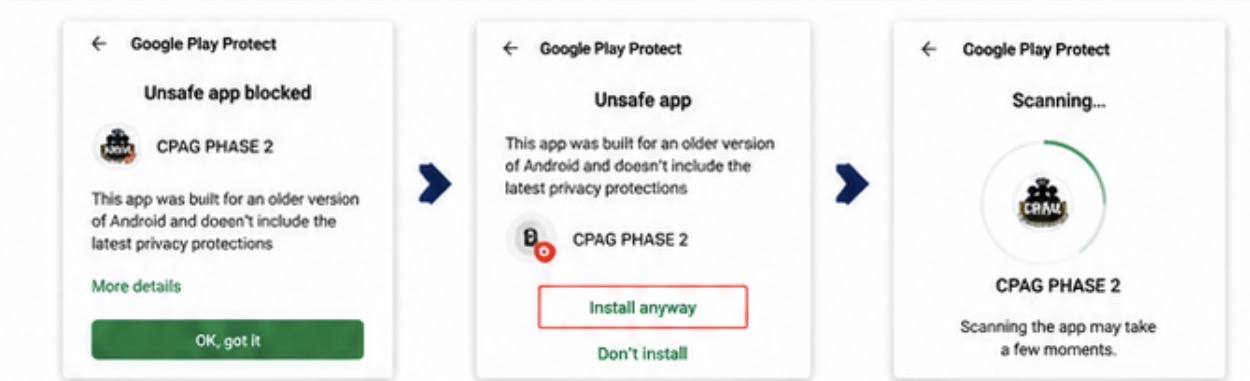
Kung may lumabas na warning mula sa Google Play Protect, basahin ang mensahe at sundin ang mga opsyon pindutin ang More Details tapos install Anyway. kung nais mong magpatuloy sa pag-install.
Kapag natapos ang download, i-tap ang APK file. Pagkatapos ay pindutin ang Install at hintaying matapos.
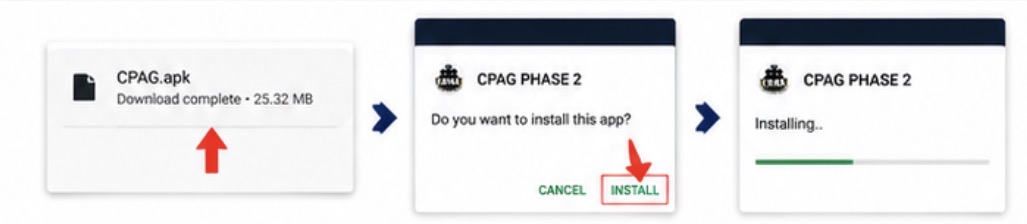
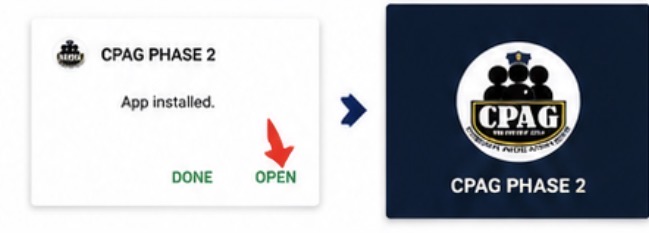
Kapag successful ang installation, i-click ang Open upang gamitin ang application.